Website
Shawn Taylor
A personal site that puts a friend's IT support work history and skills in one place for people hiring.
- Kind
- Website
- For
- A job search
- Built with
- HTML, CSS, JavaScript
- The brief
A friend's personal site, redone for his job search. It had to put his experience, projects and skills where someone deciding whether to hire him can find them.
- What I built
A single page with sections for About, Experience, Projects, Skills, Education, Interests and Contact. It's plain HTML, CSS and JavaScript in one file, with no framework and no build step.
The opening screen and Contact carry his phone number and email, so they aren't pictured. The pictures are the real design, but his employers, schools, cities and grades are swapped for generic labels. The real ones are on the live site.
- The top of the page
What a reader sees once they scroll past his name.
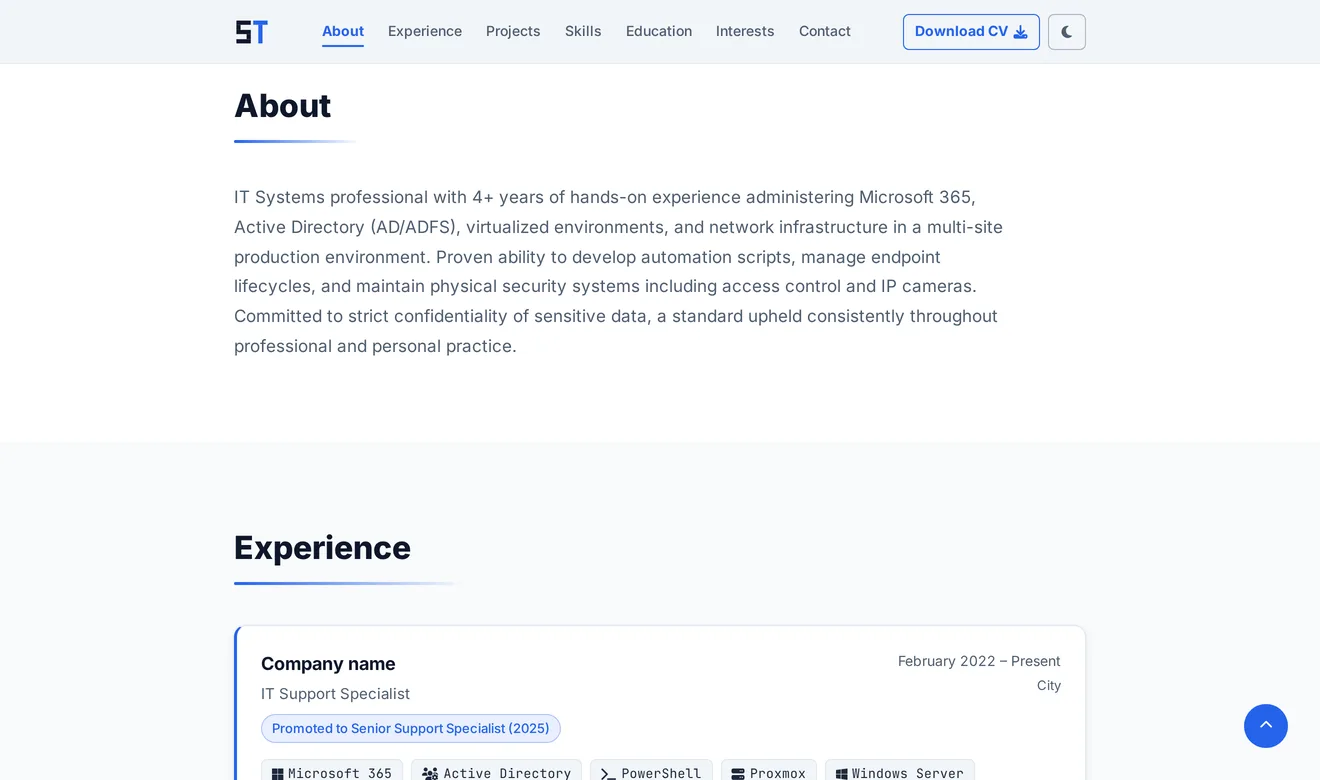
- A bar that stays put. The navigation stays fixed at the top and underlines the section you're reading.
- Light and dark. The page starts in whichever theme the visitor's system uses, and remembers a choice once they make one. The theme is set before anything draws, so a dark-mode visitor never gets a flash of white first.
- Back to the top. A round button appears once the opening screen is mostly scrolled past.
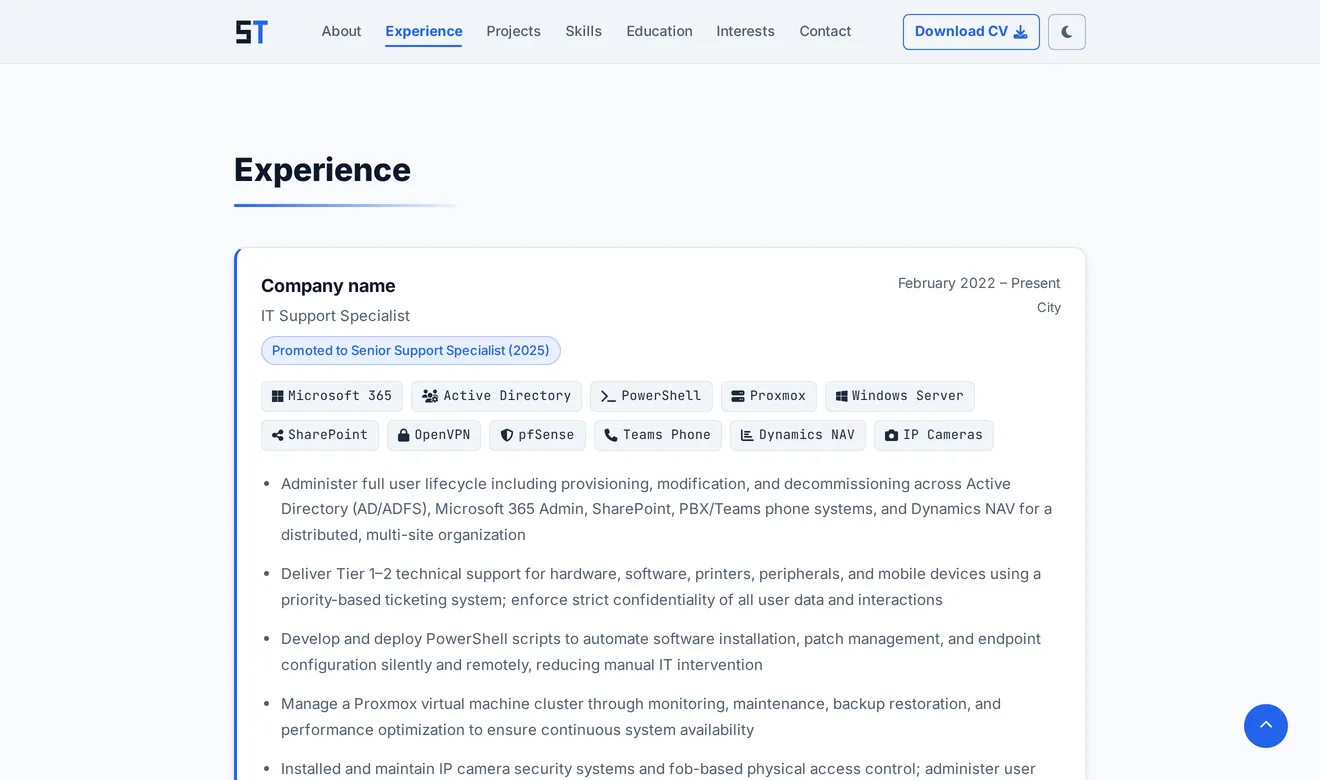
- Experience
His work history.
- The tools used in that job. The same tags, with the same icons, as the Skills section further down.
- Projects
Work done outside the job.
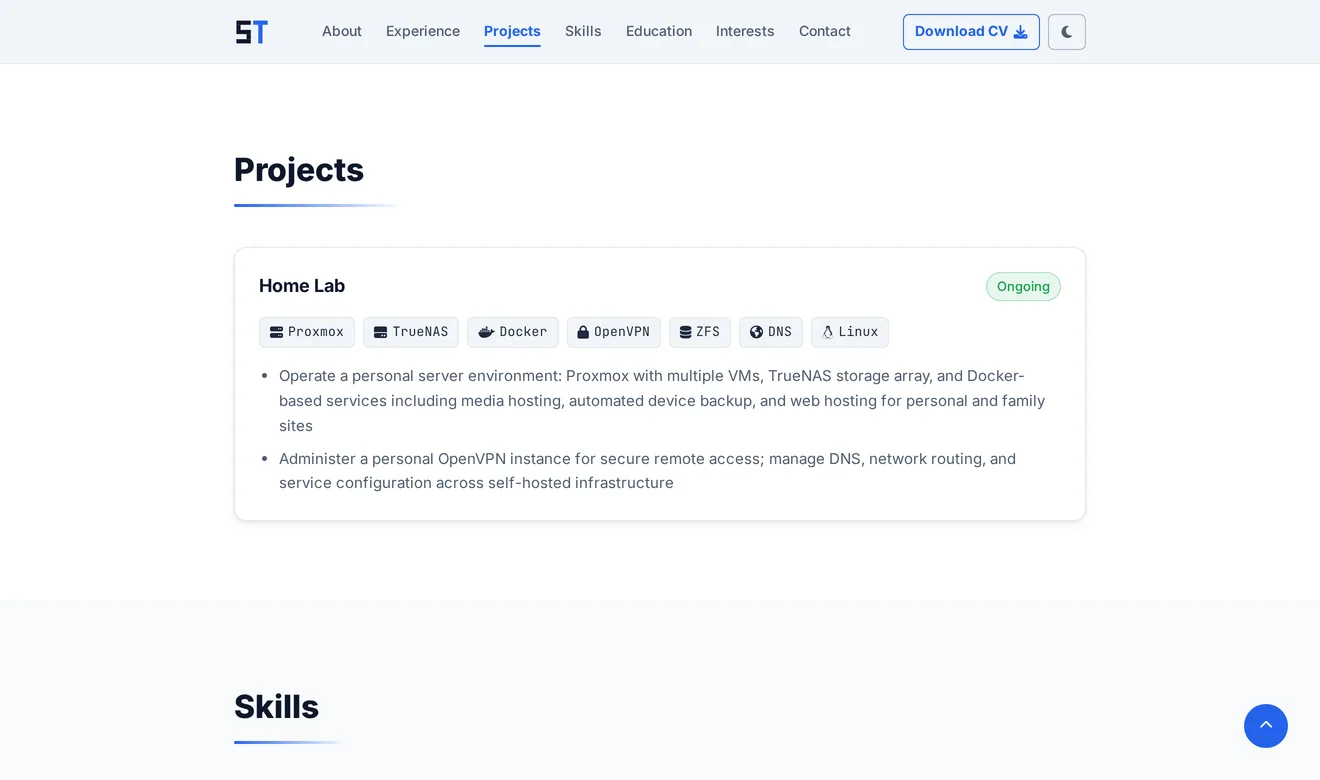
- The same card as a role, with the project's name in place of the company.
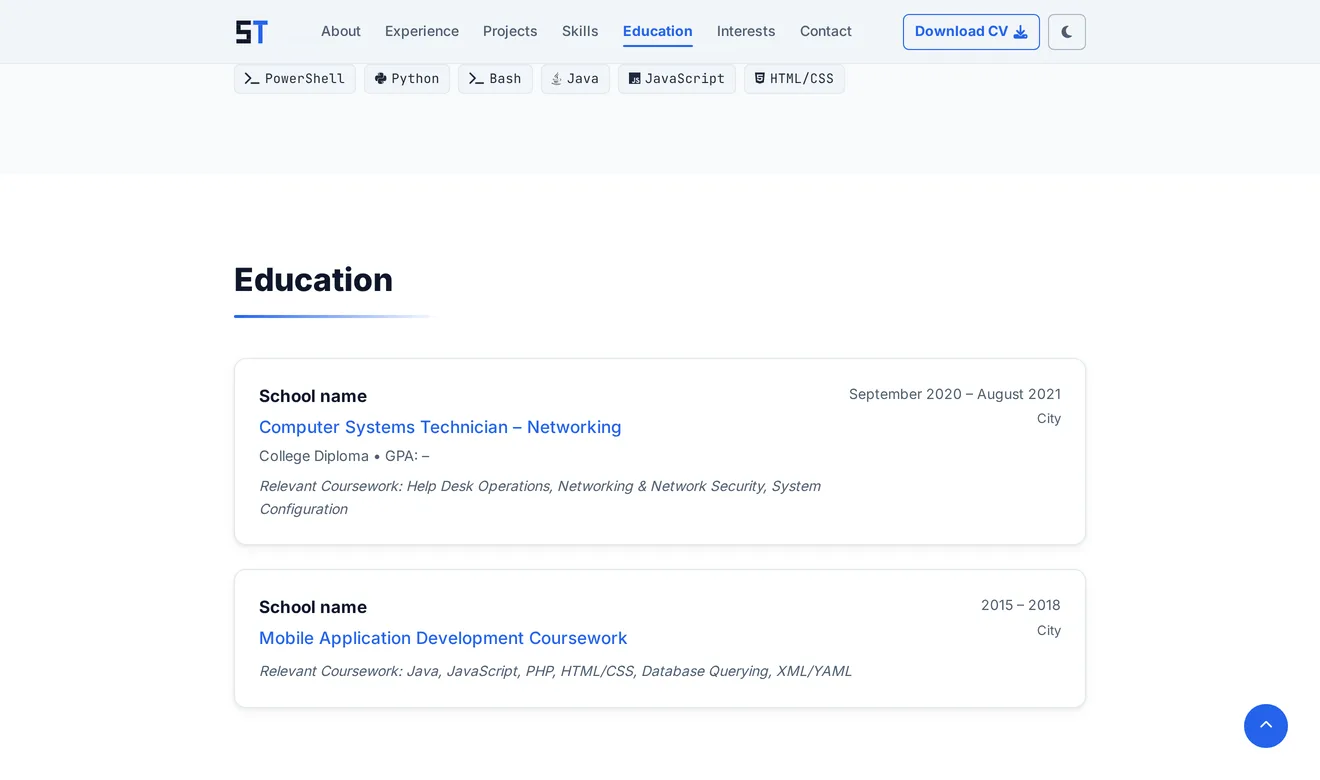
- Two shades of background. Sections alternate between white and a pale grey.
- Skills
His skills, sorted into groups.
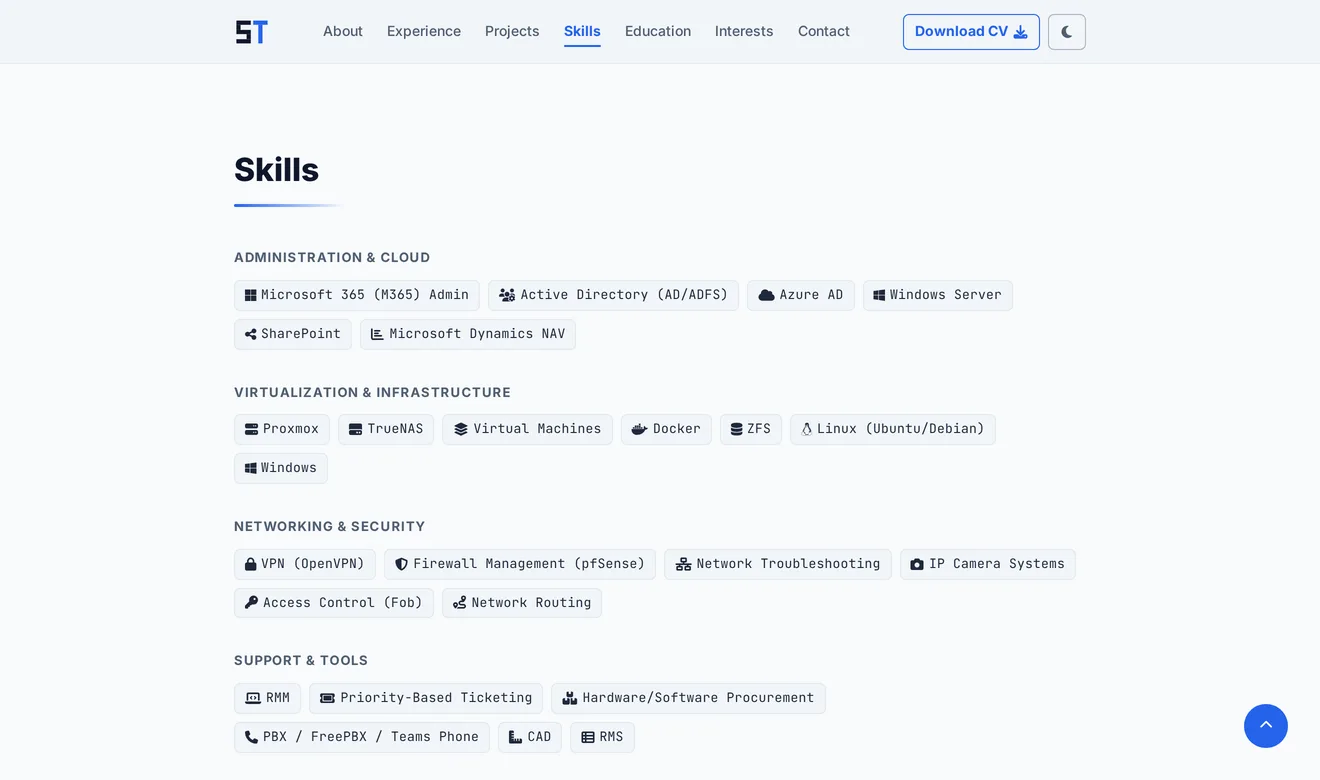
- Headings that draw in. The line under each section heading grows in as the section scrolls into view, and the content fades up. For visitors whose system asks for less motion, it all just sits in place.
- The dark theme
The same section after the theme switch.
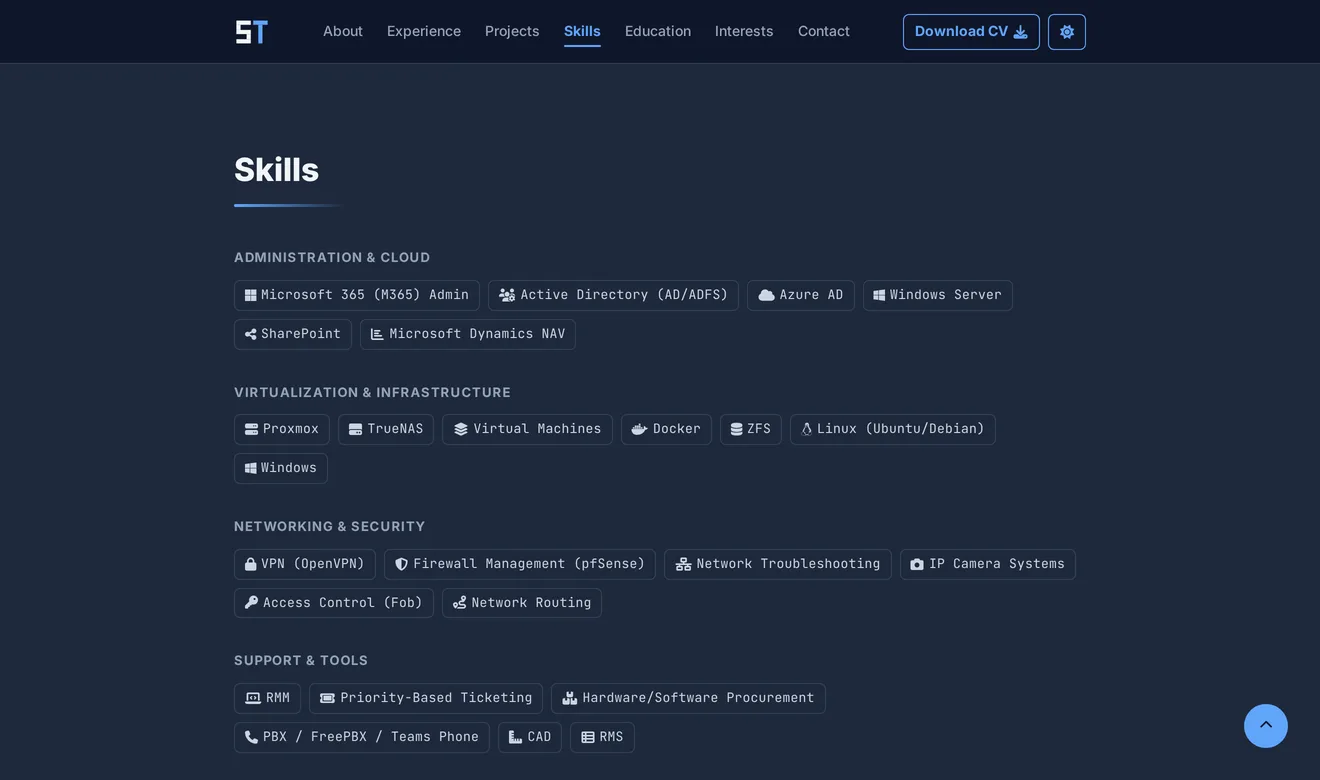
- The logo changes with the theme. It's drawn as two vector files, one for each, and the browser tab icon follows the system theme.
- The switch shows where it goes: a moon in the light theme, a sun in the dark one.
- Lighter grey text. Dark mode has its own shade for the muted text, so the grey lines stay readable.
- Education
- The parts you don't see
On a phone the links fold into a full-screen menu. Opening it moves focus to the close button, Escape closes it, and focus goes back to the menu button. The icon library loads from a public CDN with an integrity hash, so the browser refuses it if the file was ever changed.
- How it went
He sent it out with the résumé and cover letter I wrote for him, and got several interviews afterwards.
Have something in mind?
A few sentences about the problem is enough to start.
contact@JordanAdair.ca