Website
JPW Estimating
A new business needed a site that says what it does and how to get a quote.
- Kind
- Website
- For
- A new estimating business
- Built with
- Next.js
- The brief
A friend started an electrical estimating business and needed a website for it. His old site was a template full of filler copy and stock photos, and it didn't say what the business actually does or how to ask for a quote.
The people reading it are electrical contractors with a bid due. They want to know in a few seconds whether this is for them, what they'll get back and how fast.
- What I built
A five-page site: Home, Services, About, FAQ and Contact. Every page answers one of the questions a contractor has before handing their drawings to someone outside the company.
Booking a call is the only way in, and the button for it is in the header of every page. Below is every page. Where a picture carries a number, it matches a note under it.
- Home
The page most people land on, so it carries the whole pitch in short form.
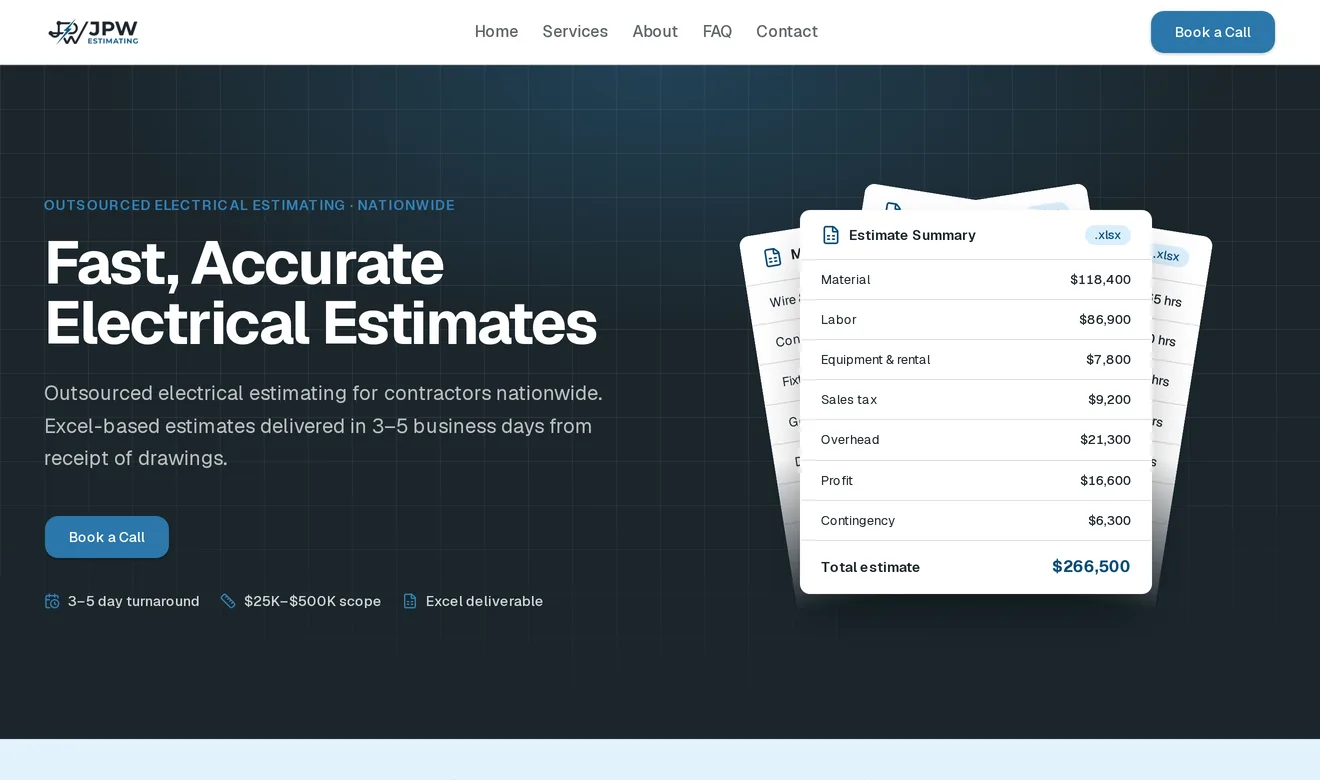
- One action. Book a Call is the only button in the opening section. A contractor can start a conversation without hunting for contact details.
- The three facts people check first, right under the button.
- This is what you get. An example estimate, drawn in the page. The first version was text on flat colour and looked unfinished, and there are no photos to use, so the design leans on graphics, icons and texture.
- Always one click away. The header stays fixed while you scroll, and on a phone the Book a Call button stays visible when the menu folds away.
- How it works
Further down the home page.
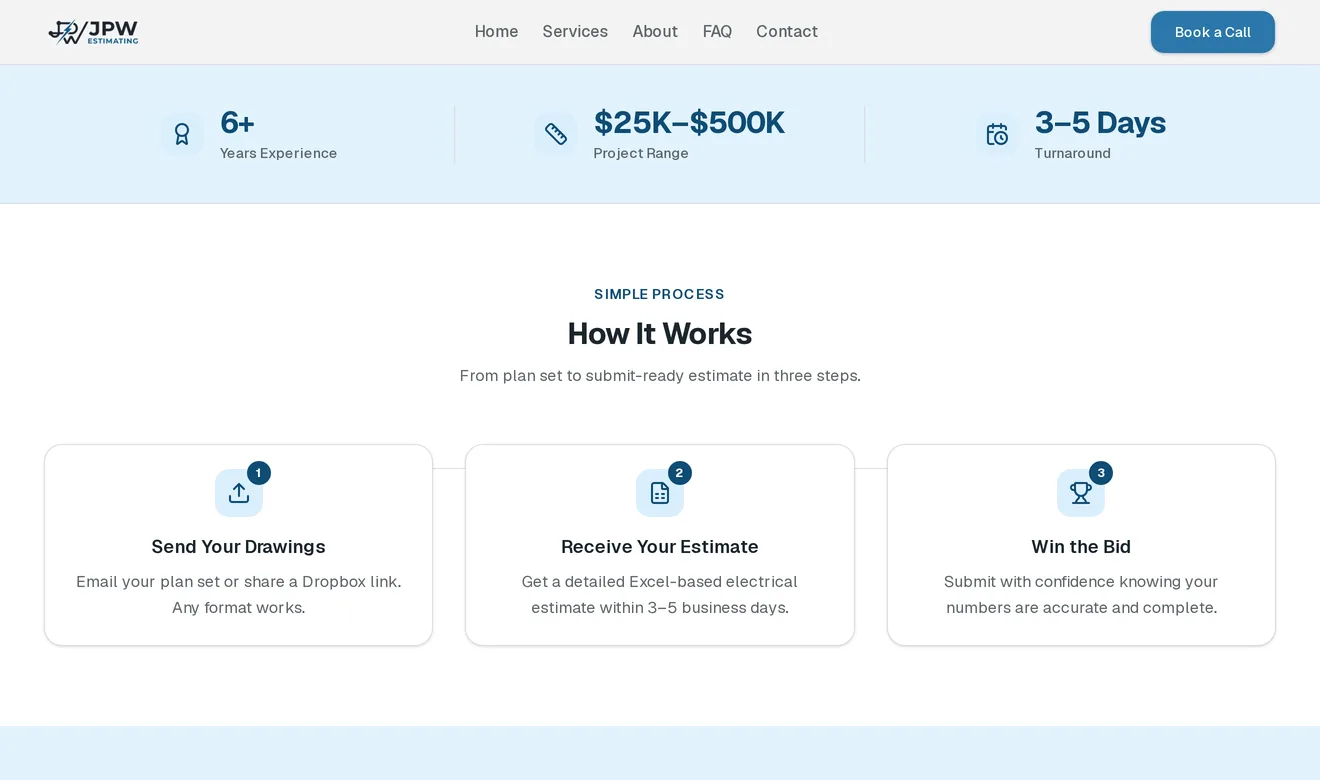
- Experience, range and turnaround. The experience figure is the owner's hands-on estimating experience, worded that way because the business itself is new.
- The process before the call. Three steps, so a contractor knows what happens before committing to anything. Drawings come by email or a shared link, so there is no upload portal.
- Services
The page meant to come up in search.
A faint blueprint grid sits behind the dark sections, so they have depth instead of reading as a flat slab.
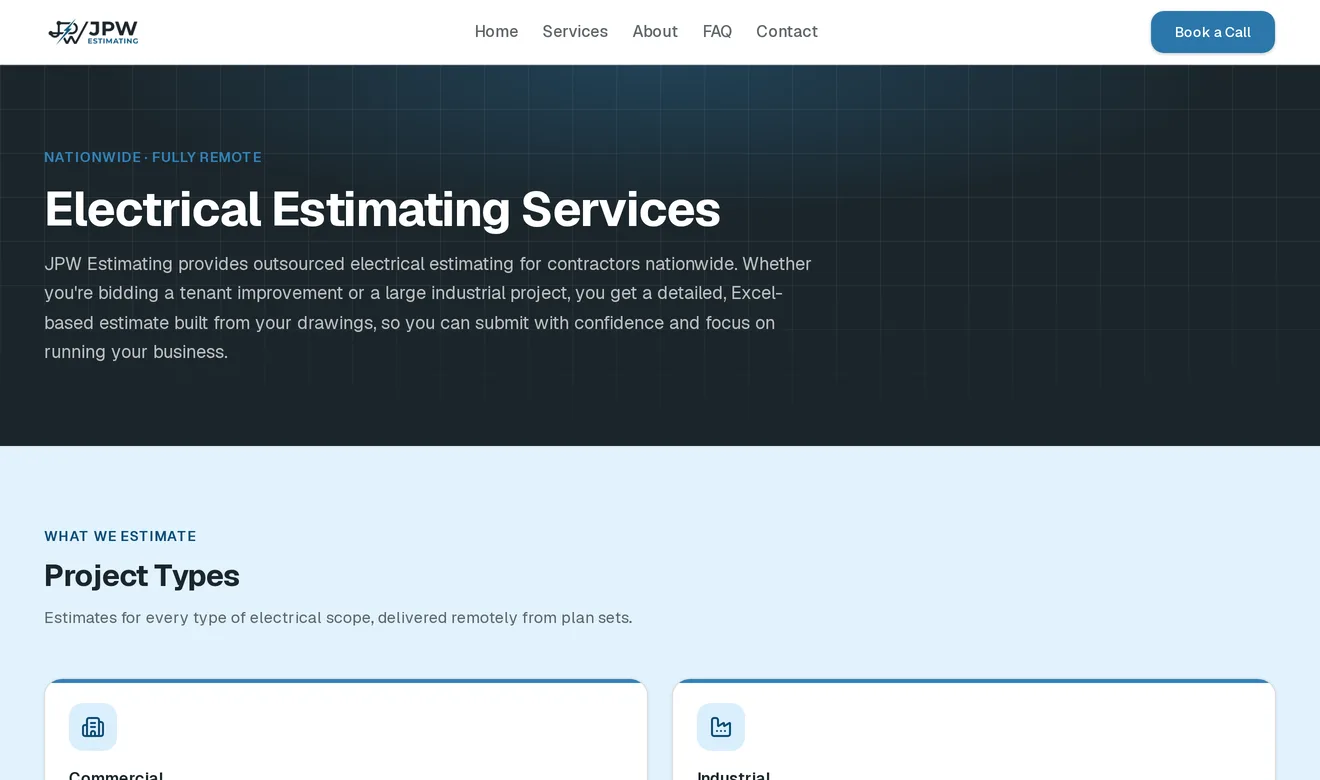
- The search phrase as the heading. "Electrical Estimating Services" is close to what a contractor types into a search engine. Every page has its own title and description for search results, and the site has a sitemap.
- Project types
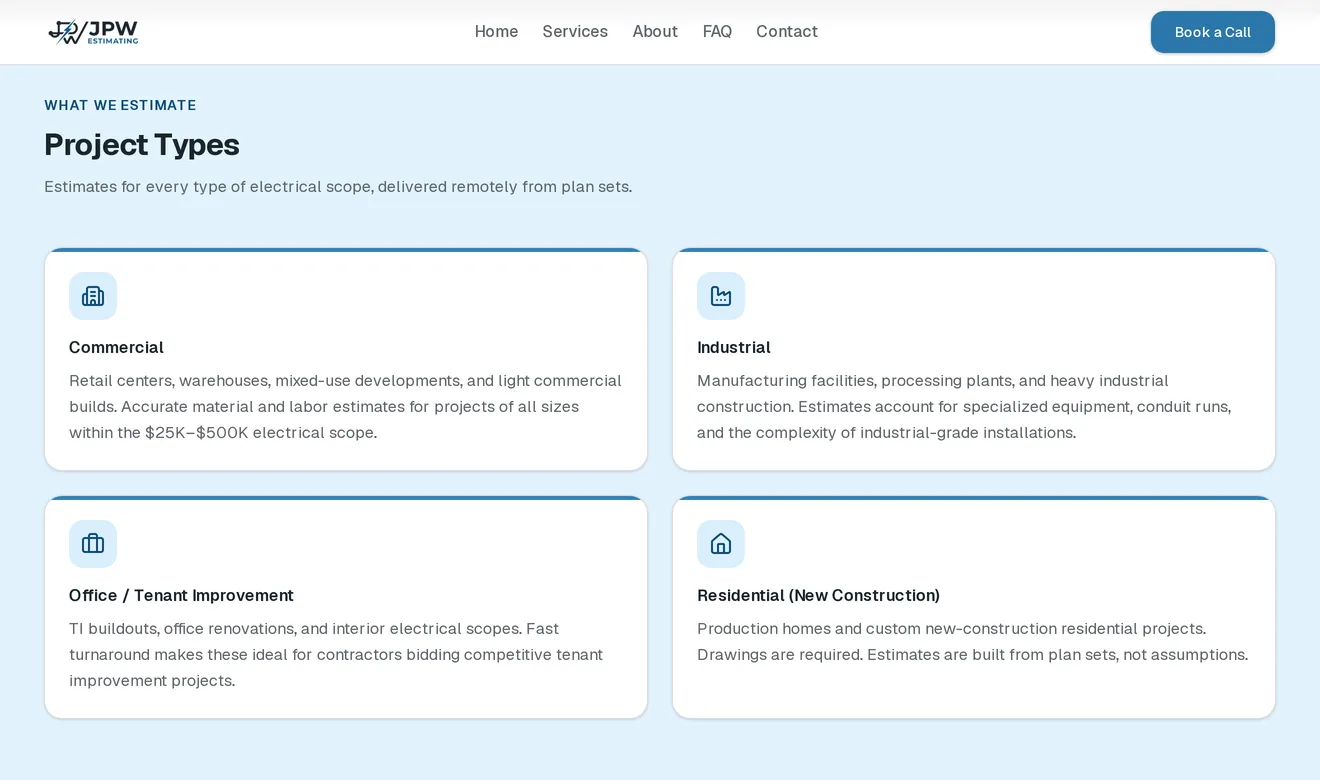
Each card says what that kind of job covers, so a contractor can tell whether theirs fits before booking a call about one that won't be taken.
- What's included
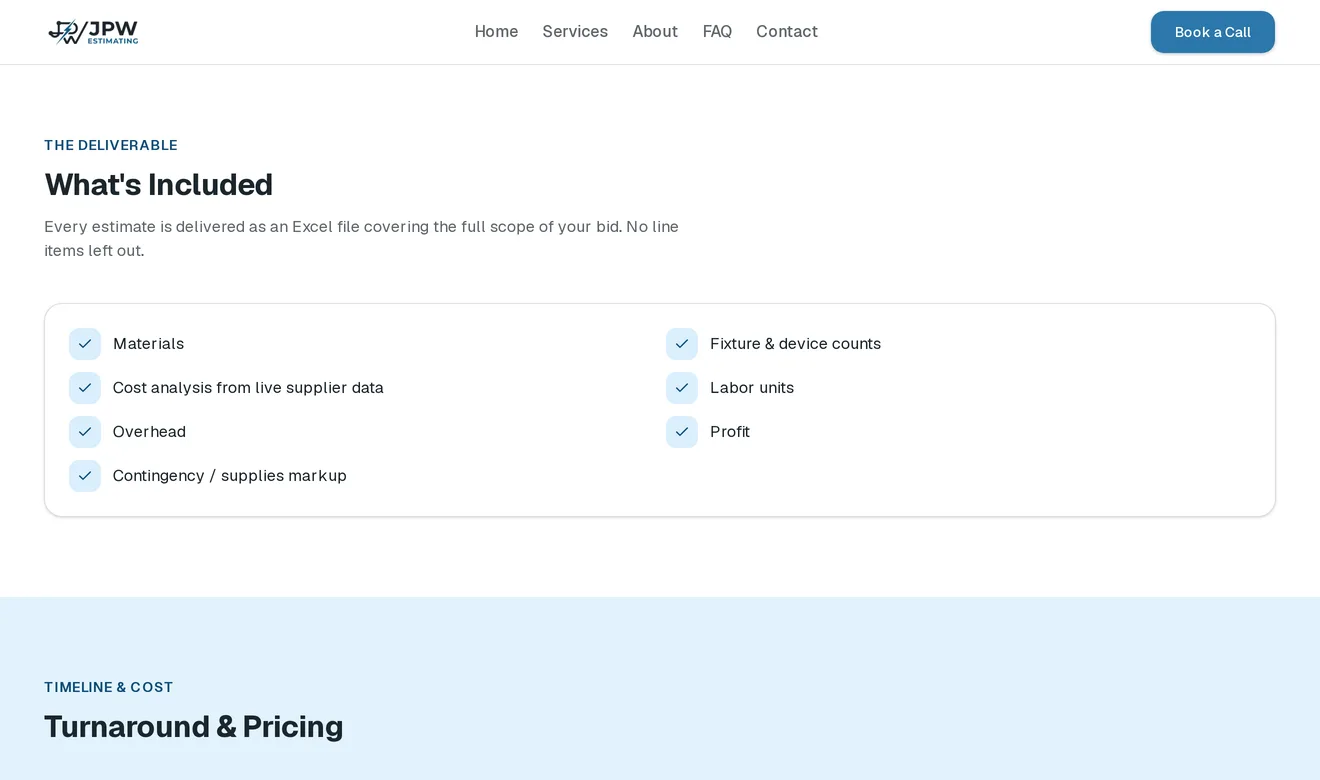
- Turnaround up front, price on request. Three to five business days from receiving the drawings, so a contractor can plan around a bid date. Price depends on the job, so the page says to ask for a quote.
- About
The top of the About page is the owner's background. The part below it says what working with him looks like.
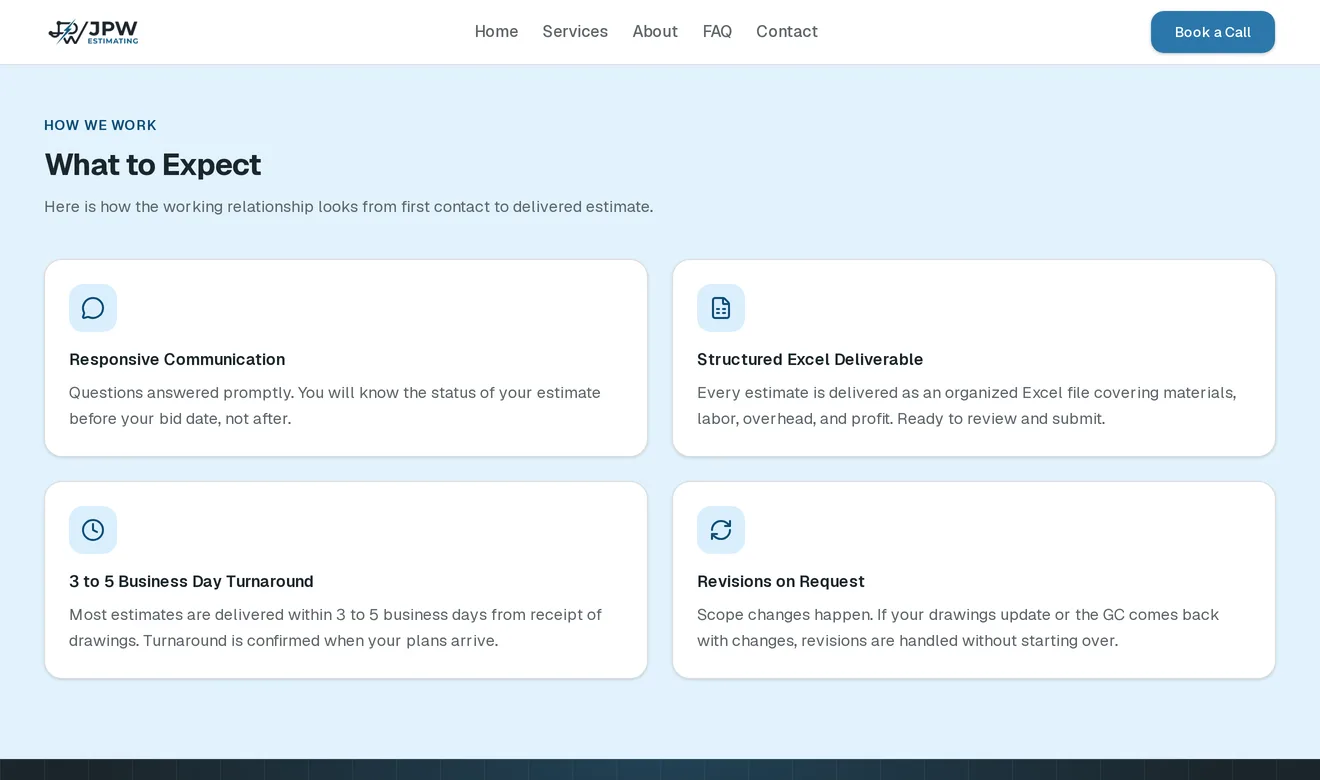
- FAQ
There are six questions a contractor asks before hiring an outside estimator: sending drawings, turnaround, accuracy, NDAs, revisions and payment. They can rule themselves in or out without writing first.
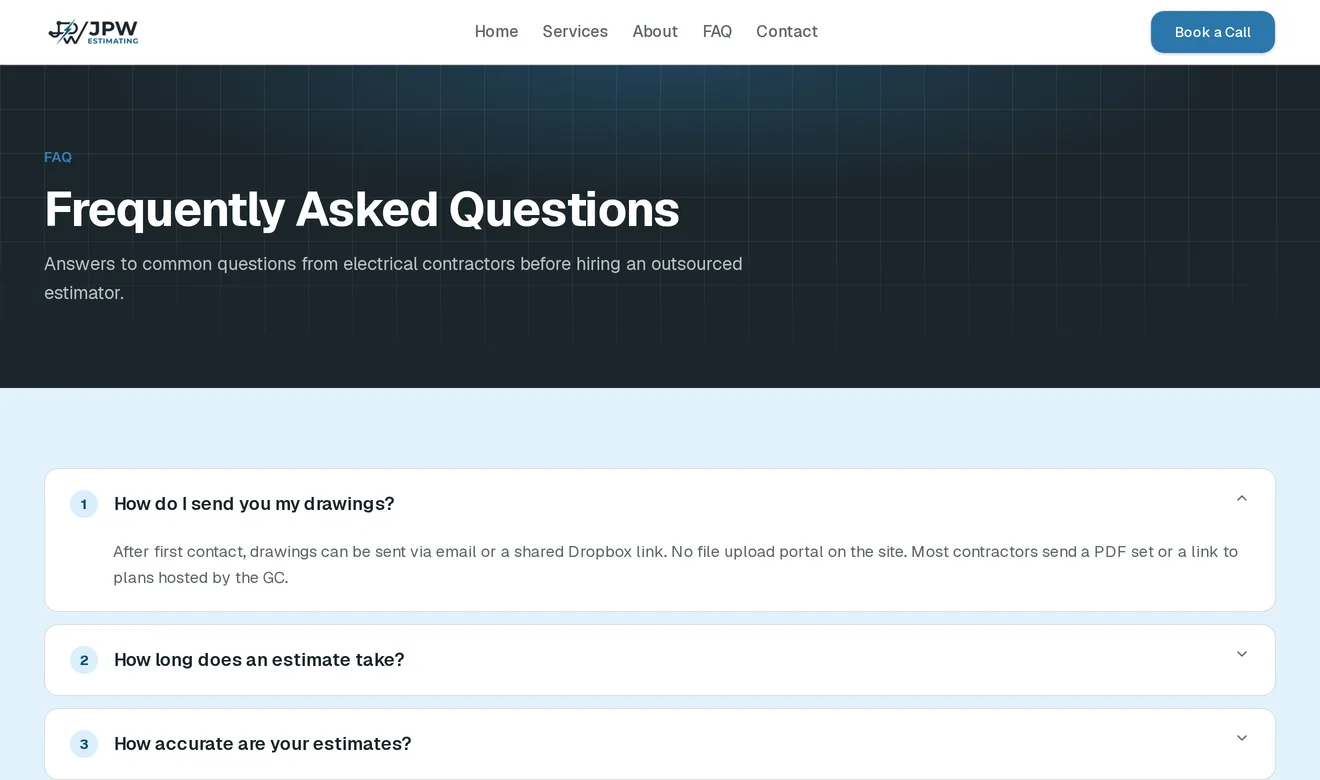
- Open more than one. Several answers can be open at once, so comparing two doesn't mean closing one.
- Booking a call
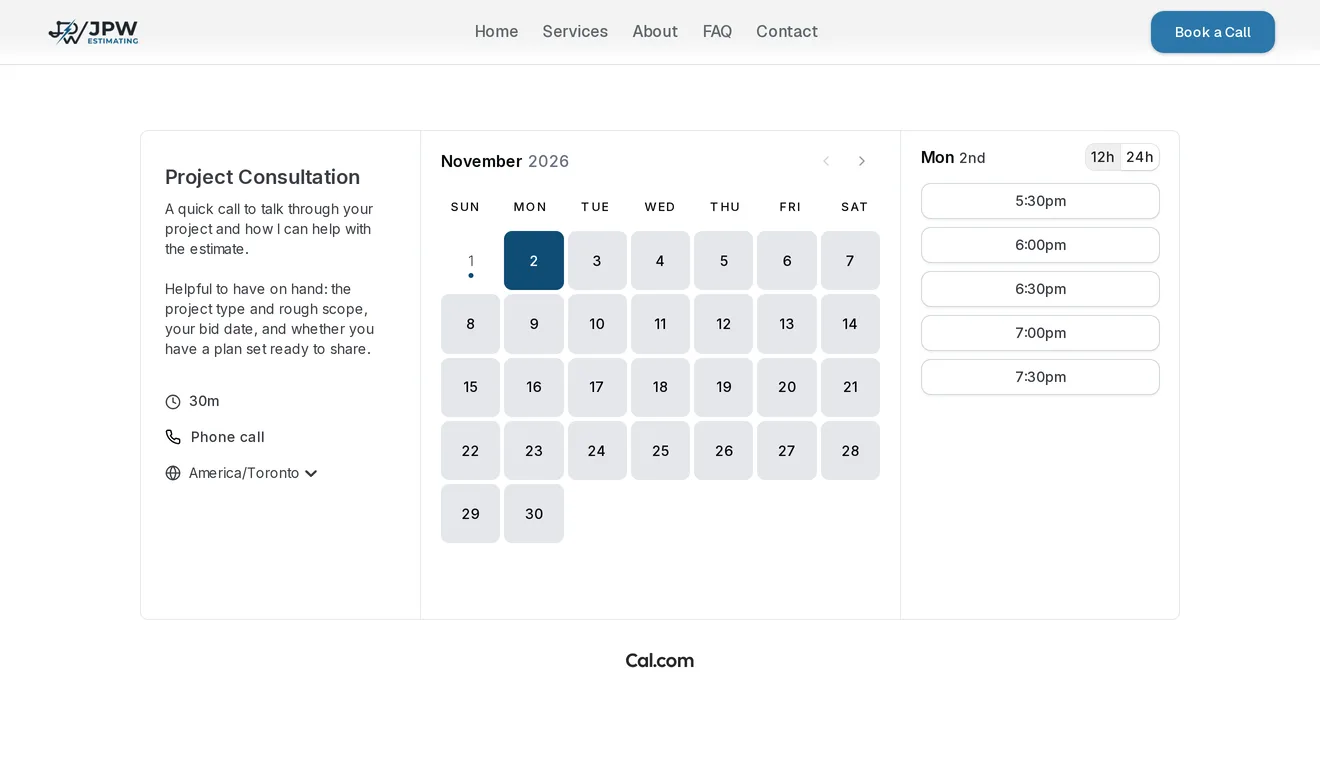
The Contact page is only this calendar. A contractor picks a day and a time for a 30-minute phone call, with no emailing back and forth to find a slot.
- How it was built
The site started with a quote form beside the booking calendar. It wasn't clear whether a visitor should fill in one or both, and the owner didn't want his personal phone number on the site, so the form and its email backend came out and booking became the only contact path.
The owner picked the blue palette himself.
Every page is built ahead of time, with no database and no admin panel. The content changes maybe twice a year, so editing it means a small code change and a redeploy.
A Lighthouse accessibility run flagged the footer's link contrast and some of the markup screen readers use, and both were fixed.
The owner and his wife loved how it turned out, the booking calendar I built in most of all.
Have something in mind?
A few sentences about the problem is enough to start.
contact@JordanAdair.ca